Hero background

Google Pay Casinos 2026

Google Pay casinos offer one of the fastest and easiest ways for Android users to deposit into their real money casino accounts. However, while most casino sites will allow you to deposit using Google Pay, once you win, you'll need to withdraw it via a bank transfer, debit card or e-wallet. We've put together an overview of how Google Pay works at online casinos, why your deposit may not go through and how to get your withdrawal method set up.

How Google Pay Works for Casino Deposits and Withdrawals

While Google Pay can make deposits to a casino easy and discreet, it doesn’t have the same level of utility when it comes to withdrawals. Here is how Google Pay works as a casino payment method, along with its limitations and why beginners might get confused.

Check Icon

A Wallet Layer, Not a Funding Source

Google Pay can be used with a card or bank account. You will not share your card details with the casinos, as they will receive a token in place of your card number. This tokenisation provides the main privacy feature of Google Pay.

Check Icon

Google Pay or Google Wallet?

Most regions have renamed the Google Pay app to just “Google Wallet” but the payment button is still referred to as “Google Pay”. The terms are interchangeable for casinos.

Check Icon

Supported Devices

While Android users can make use of Google Pay, it is available on Chrome and most mobile casinos running on desktop browsers. If you are logged into your Google account and have saved card details on your iPhone, you may also use this method. However, many casinos will only offer this option in the mobile cashier.

Check Icon

Why Play Store Credit Won't Work

You cannot use Google Play or gift card balances at online casinos. You’ll always be paying from your card or bank account. If you only have Play Store credit in your wallet, then you won’t be able to make a deposit.

Check Icon

Instant Deposits

Where Google Pay stands out is deposits. Usually, you will get funds into your account within seconds of approval at online casinos that accept Google Pay.

Check Icon

Withdrawals Through Other Methods

Very few real money casinos pay out to Google Pay. The funds will be transferred into your verified bank account, debit card or e-wallet. Once approved, payouts take anywhere from 24 hours with an e-wallet to 5 business days by bank transfer.

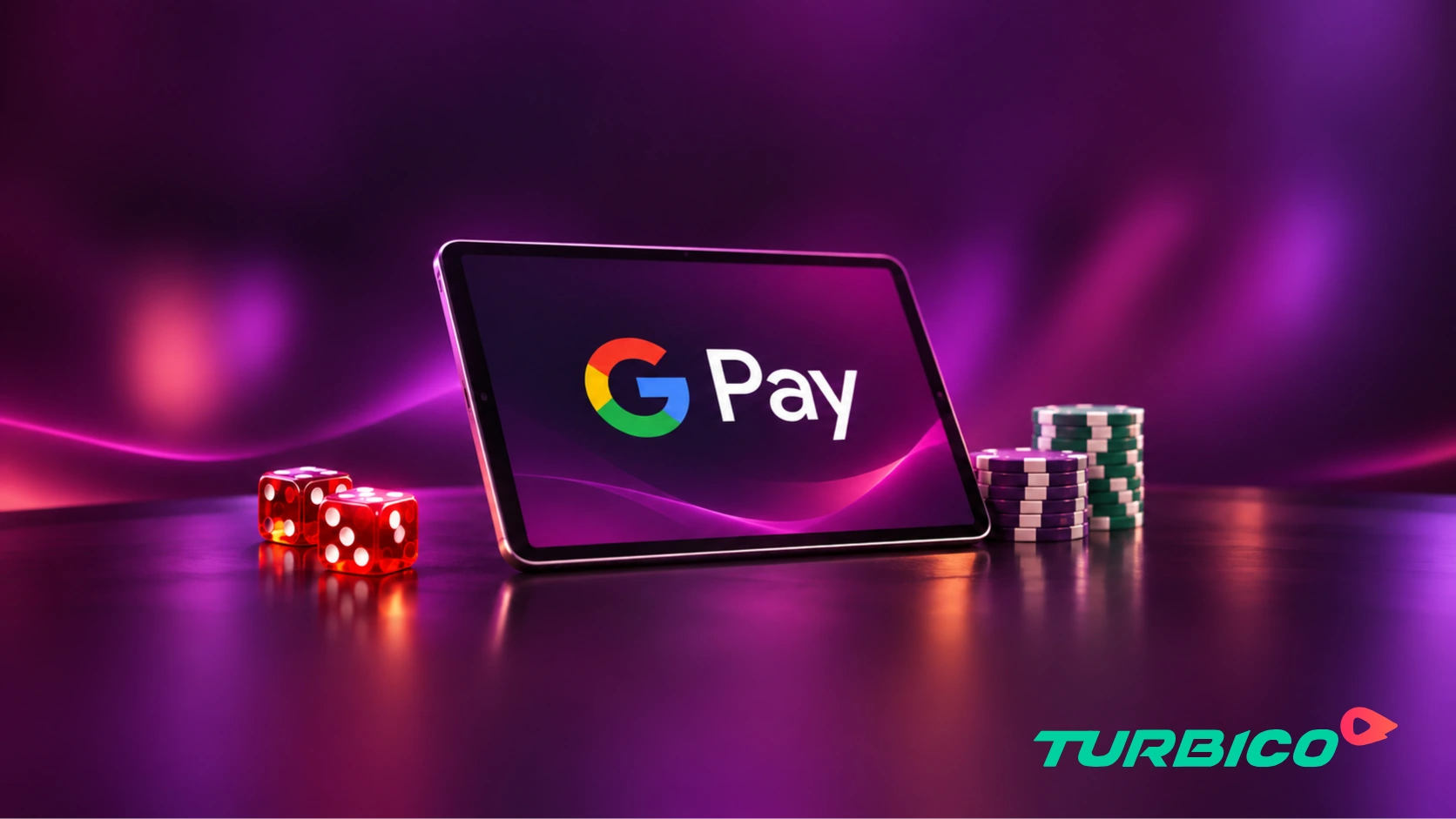
 Google Pay casino banner featuring a tablet with the Google Pay logo, red dice, poker chips, and Turbico branding.

Quick Overview of Google Pay Online Casinos for Android Devices

The Google Pay casinos below allow you to deposit funds using a quick scan of your fingerprint or face. Each casino will offer different options, so look for one that provides the most suitable payout options, deposit limits and low cost offers.

Google Pay does not actually store any money. Casino deposits will always come from your linked payment method. This means whether the payment goes through, what it costs and how your bank treats it all depend on the card or account you use. The merchant code for gambling is different to other payments and could be blocked or charged differently by your bank.

Visa Debit and Mastercard Debit

One of the most reliable ways for depositing in casinos is using a debit card from Visa or Mastercard. These cards will rarely incur any charges and will work at any bank that allows gambling payments. You may also be able to add your digital banking card (Revolut or Monzo etc). Just make sure you do not have gambling payments blocked on these apps.

Visa and Mastercard Credit Cards

Some credit card issuers treat gambling deposits as cash advances, charging a fee and interest from the date of payment. In Great Britain, using credit cards for gambling is banned completely. Other markets may also have similar rules.

American Express and Discover

You can add them both to Google Pay. American Express is only accepted at a few casinos though. Discover is a United States-only card, which isn’t widespread at regulated online casinos.

Prepaid Cards

Visa and Mastercard prepaid cards can be used with Google Pay. However, many will be blocked by the issuer for gambling transactions, meaning that they will not work with gambling sites. Always check the terms of your card.

PayPal

You can connect your PayPal account to Google Pay in certain countries like the United States and Germany. Whether you can deposit money into a casino using PayPal will depend on their policies around gambling in your country, and the casino itself.

What Our Google Pay Casino Ratings Are Based On

Google Pay may look the same in every cashier, but the details differ a lot between casinos. However, there are many differences when you actually look at the casino sites. We rank casinos by looking at four different factors based on the information provided on their terms and help pages. Any casinos without a verifiable licence through their regulator will be excluded from scoring.

Check icon

Where It's Available

We note exactly what countries each online casino offers Google Pay in and whether they have a desktop version or not, so you know if you will actually see this option in your cashier when you sign up.
Check icon

Deposit Limits

We check Google Pay minimum and maximum deposit limits. If there are low deposit limits, we'll note this. This is important for regular players and high rollers as they may have to use an alternative method.
Check icon

Payout Setup

As winnings are rarely paid out through Google Pay, we look at what payment options are available to you, what verification will be required, and how well this information has been displayed by the casino.
Check icon

Player Complaints

We look for repeated complaints about deposit rejections, slow first withdrawals and bonus issues. A recurring pattern points to wider problems with how the casino handles Google Pay players.

Cashout Methods to Pair With Google Pay

Once funds are added to your casino account using Google Pay, you will almost certainly need to make use of a different payment method to withdraw. Choosing a withdrawal option before making your first deposit will ensure funds can be withdrawn as soon as your withdrawals are approved. The most common options for paying out are shown in the table below.

Payment Method Payout Time After Approval Good to Know
PayPal Within 24 hours Mainly offered at regulated casinos
Neteller Within 24 hours Wide casino support; wallet fees may apply
MuchBetter Within 24 hours Mobile-first e-wallet with growing support
Bank Transfer 1–5 business days Slowest, but suits larger withdrawals
Bitcoin Minutes to an hour Mostly at offshore-licensed casinos
USDT Minutes Stable value; choose the correct network

Bonuses You Can Claim With Google Pay

Most of the online casino promotions accept Google Pay deposits. Some sites exclude digital wallet deposits from certain offers, so check the terms and see which payment methods are eligible. Once you know you’re eligible to take part in the casino bonus, then the terms and conditions determine how valuable the offer is.

Casino Bonus Typical Conditions
Welcome bonus or deposit match 100% match up to a set cap, often split across the first few deposits
Free spins Fixed spin value on selected slots; winnings usually carry wagering
No deposit bonus Small credit or spins on sign-up, with a low cashout cap
Reload bonus Smaller match on later deposits, often on set days
Cashback 5% to 20% of net losses, paid weekly or daily
No-wagering bonus Smaller value, but winnings are paid as withdrawable cash
Loyalty and VIP rewards Points, faster payouts or personal offers as you play more
Tournaments and prize drops Leaderboard or random prizes for playing selected games

How to Make a Google Pay Casino Deposit

Cashier page designs vary between casino sites. However, there are four key steps that will ensure that you experience a seamless Google Pay deposit, starting with how you set up your wallet and ending with the payout options.

Estimated Time 5min
Supplies needed Money, Time
Tools needed Mobile Device, Account
Step 1 / 4
Online casino payment methods featuring Visa, Mastercard, bank transfer, and Bitcoin.
Check the Funding Source in Your Wallet

Open up Google Wallet and select the card/account you want to pay with. The best option to use is a personal debit card. Remove any expired cards. You cannot use Play Store credit. Ensure that the name on the card is the same as the one you will use for your casino account.

Step 2 / 4
Deposit at least €20 and you will be able to activate the welcome bonus.
Find Google Pay in the Casino Cashier

Once you’ve registered, open up the cashier and look for Google Pay within the list of payment options. If you are unable to find it on desktop then try the casino’s mobile site or app. Some operators only provide wallet payments on their mobile sites.

Step 3 / 4
Online casino bonus terms and conditions displayed with a gift box, gold coin, and spade symbol.
Choose Your Amount and Bonus Option

Deposit at least the minimum amount required. If you want a welcome bonus, check the terms and conditions. Some casinos do not allow you to claim bonuses with Google Pay. The most common mistake new players make with their first deposit is to top-up expecting a bonus that they cannot claim.

Step 4 / 4
Online casino safety and licensing verification with approved certificate, shield, and checkmark.
Authorise the Payment and Set Up Your Payout Method

After approving the deposit using your fingerprint, facial recognition or screen lock, the money should be added immediately. Before playing, check the withdrawal page to see what payment option you are going to receive your winnings into. It is best to add and confirm this before playing to save time later.

Is Google Pay Safe for Casino Payments?

The Google Pay payment system is secure. Your card number will be tokenised and never actually sent to the casino. Your payments will be encrypted and you will need to enter your fingerprint/face/screen lock on every payment. Even if a casino were breached, your actual card details would not be exposed. You also have extra security added by the casino. You’ll usually be asked to verify your identity when you make your first payout. This involves uploading a copy of your photo ID, address and sometimes source of funds if you’re withdrawing higher amounts.

Jake Hamilton
Jake Hamilton
Content Specialist

Why Google Pay Casino Deposits Get Declined

When deposits fail to go through on Google Pay, it’s generally due to an issue with either the bank, wallet, casino or payment device. Once you can identify the cause of the error, it becomes quick to resolve.

Blocks from Your Bank

Some banks will refuse to accept any gambling transactions. Others will only refuse on credit cards. If you have recently changed your card or have no balance in your wallet, it will be declined. Check your banking app to see if gambling is blocked or look out for a declined transaction notification. You can try linking another card.

Problems in Your Wallet

If the card has not been fully verified, biometrics have been turned off or contactless payments are disabled, you may be prevented from paying. Try re-verifying the card in Google Wallet, and also check your device’s payment settings.

Restrictions at the Casino

If Google Pay is not available in your country, or if you’re making your first deposit (to ensure there isn’t any fraud) then there may be limits on deposits. Unverified accounts can have deposit limits. Complete the verification process and allow any reviews to go through.

Device and Browser Issues

If you have an outdated Google Wallet app or browser, or your pop-up blocker is enabled, you may experience interruptions to your payment screen. If you lose your internet connection while authorising your payment, your payment may not go through. Make sure you’re using the latest app and browser, enable pop-ups on the casino’s website and try again.

Responsible Gambling with Google Pay

Two seconds’ touch of fingerprints will allow instant deposits without having to type in card details with Google Pay. However, you should set deposit limits within your casino account. If you feel that you are losing control of your gambling then use reality checks, time-outs or self-exclusion. Although Google Pay will let you control how you pay, it will not let you know when you are spending too much. If gambling is no longer fun, then get in touch with a support service within your country.

Final Verdict on Google Pay Casinos

Google Pay has made depositing in online casinos very simple. You can pay with a card, scan your finger, and deposit in seconds. Your real card details are never sent to the casino. You can deposit using a Google Pay-enabled android phone or desktop browser, or using an iPhone logged in to your Google account. This gives you one of the most flexible payment options. However, you will very rarely be able to cash out with Google Pay. Promotions may also sometimes not include Google Pay. Finally, your bank will have the last say on any gambling transactions. The best Google Pay casinos will be transparent. Find one that tells you exactly what you’ll be paid with. If you choose to deposit with Google Pay, make sure you set your payout option in advance. This will help you have a quick and safe way to access your winnings.

Frequently Asked Questions

Jake Hamilton
Author:
Jake Hamilton
A forward-thinking writer, Jake keeps his finger on the pulse of iGaming trends. From cutting-edge technologies to emerging gameplay formats, he provides readers with a glimpse into the future of online casinos.